Desktop Cinema
1920 × 1080 · 16:9
BIG BLACK HOLE · SAGITTARIUS A* · GPU LIVE
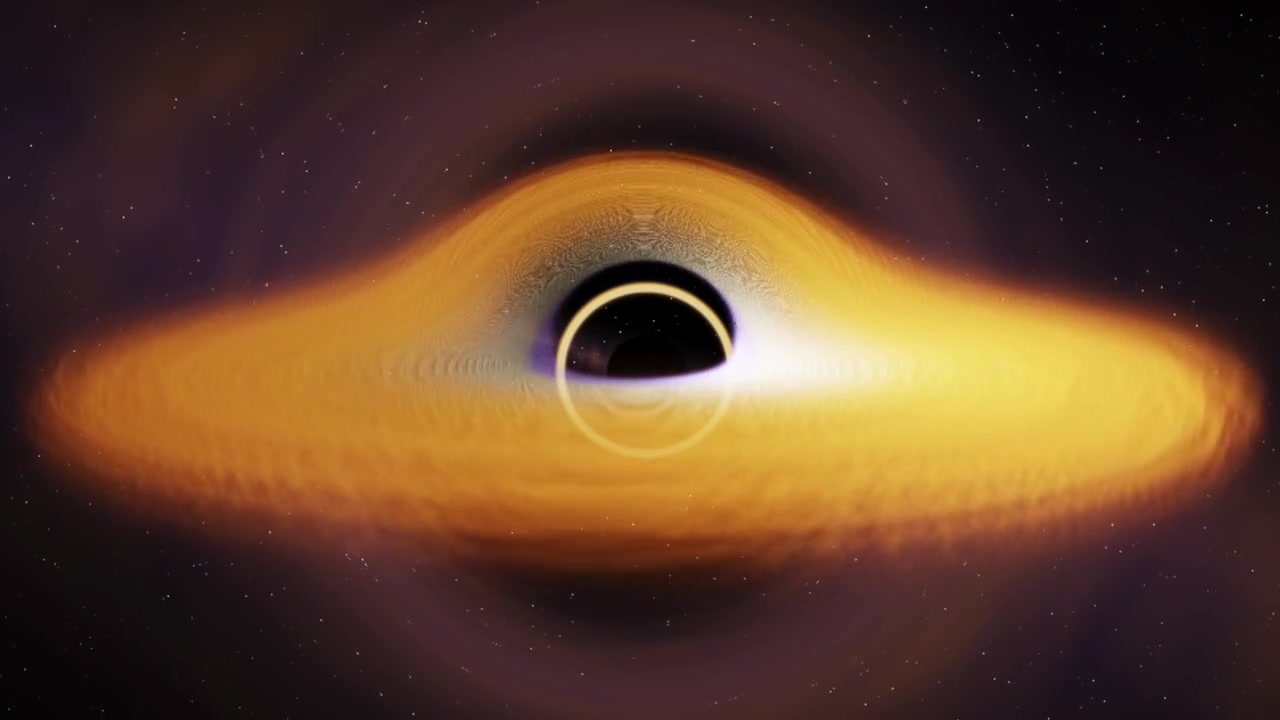
Big Black Hole is an interactive 3D visualization of Sagittarius A*, the supermassive black hole at the centre of the Milky Way. Orbit it, alter its spin, and explore its light-bending accretion disk.
Our mission: build the web's most immersive 3D experience of Sagittarius A*.
Get the desktop edition$2.99Big Black Hole's dedicated window into curved space-time.
Drag to orbit Sagittarius A*, scroll to travel across the distance, and click the light paths or the black centre to uncover their scientific meaning. Fun Mode launches a playable orbital run.
A cinematic loop made to live on your display.
The loop is a cinematic, physically inspired interpretation of the galactic centre. It evokes gravitational lensing, the black-hole shadow, and a luminous accretion disk—without asking your computer to run a costly real-time renderer all day.
Read the NASA science reference ↗Made for the display, not the feed.
1920 × 1080 · 16:9
Plash local website · 16:9
Lively Wallpaper · 16:9
MP4 cinematic loop · silent · no executable included · illustrated installation guide for macOS and Windows
Edition 001
One purchase. A 1080p cinematic loop for macOS and Windows, with a simple installation guide you can follow in minutes.
Checkout opens after the final release. Your private download links will be issued only after Stripe confirms the purchase.
Big Black Hole is the interactive experience and desktop edition. Sagittarius A*—also written Sgr A*—is the real supermassive black hole at the centre of the Milky Way that inspired it.
No. It is a cinematic, physically inspired visualization rather than a numerical general-relativity solver or a telescope image. The science reference below explains the real Sagittarius A* observations.
You receive ordinary MP4 files, never an executable. The included guide covers Lively Wallpaper for Windows and Plash for macOS.
Animated wallpapers use some system resources. This edition uses an efficient 1080p H.264 loop; the guide includes the recommended settings for both supported apps.